Chat-Native customer support ticketing: resolve tickets with 3× fewer clicks
A new vision of customer support ticketing: making expertise accessible and enabling immediate action – FIXEE

In brief
Managing many open interventions in parallel? Handling a high volume of information to stay efficient? FIXEE introduces the Console: the Chat-Native customer support ticketing system, designed by operations teams for operations teams. One single screen, all information visible, every action in one click. Simplify your customer support.
What our customers tell us
- Opening one page per ticket just to review the latest exchanges is slow and tedious.
- To perform well in our field, you need expertise, solid experience, and an instant view of the situation.
- Priority management is critical in customer support.
- For new team members, having the Askia Hotliner intelligent assistant at hand is essential so they can quickly find the information they need.
FIXEE launches the Console,
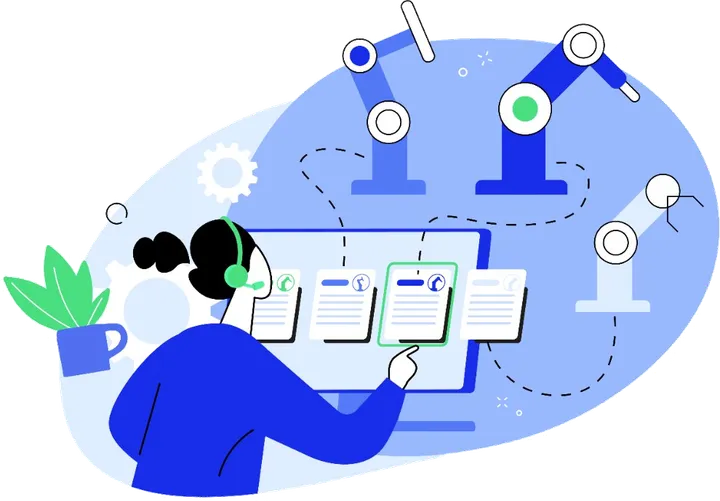
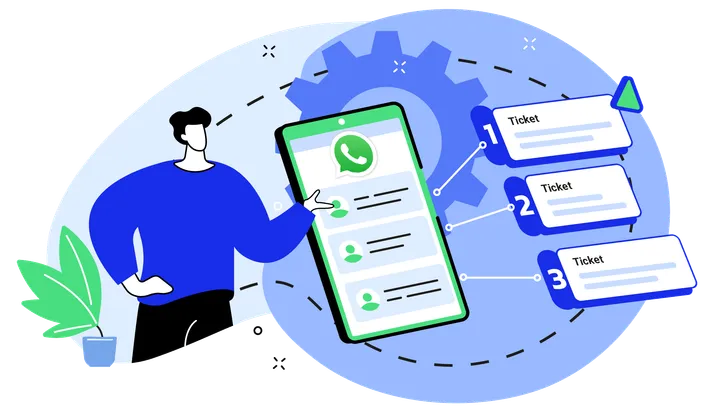
A Chat-Native ticketing view designed for hotline agents and remote support technicians. The Console brings together ticketing, chats, video assistance, photos, collaboration tools, the Askia Hotliner intelligent assistant, and intervention settings on a single page. Technicians maintain a real-time, comprehensive overview, prioritize more effectively, and take action without switching screens.
Results : up to 3× fewer clicks and a smoother intervention workflow.
“The goal isn’t to ‘do ticketing,’ but to deliver effective customer support. With the FIXEE Console, your teams can focus on their expertise. Tickets are created from conversations and managed automatically.” - Cyril Burkovic, CEO
Key features
- Unified view : intervention timeline, exchange content, participants, intelligent assistant, settings
- Chat-Native : preview of new messages, quick replies, internal notes
- Contextual actions : start a video assistance session, take a photo, view a document, generate a report, share with a colleague, query the AI chatbot… without leaving the page
- Prioritization : tag management, dynamic filters and sorting
Availability
- General availability
November 1, 2025
- Pricing
Included in all our plans
FAQ
Who is this feature designed for?
Report templates are aimed at technicians and engineers who need to document their activities, whether collaborative or individual, with different templates depending on the end use: triggering invoicing, sending to the customer, feeding internal knowledge, logging follow-up with a partner, and so on.
Exactly what problem does this feature solve?
Report templates are aimed at technicians and engineers who need to document their activities, whether collaborative or individual, with different templates depending on the end use: triggering invoicing, sending to the customer, feeding internal knowledge, logging follow-up with a partner, and so on.
How does it work in practice?
Templates are loaded into FIXEE with a single click. Before launching the automatic generation of the service report, the essential information is identified in the conversation. A list of templates is then displayed, enabling you to choose the most appropriate one. After review and modification, the report can be downloaded as a .docx file.
How does it differ from existing solutions?
Template management for automatic report generation is fully integrated into FIXEE. All WhatsApp, web chat and visio-assistance exchanges are traced and integrated into reports. In the event of a large volume of exchanges within an intervention, a selection of critical information to be included in report generation is possible.
Are photos integrated into reports?
Yes, photos and images from exchanges are integrated into reports generated from customized templates.
What impact is this expected to have on user performance and efficiency?
Customer support and after-sales service teams are freed up from 80% of the time spent writing service reports. Information is 100% recorded, easy to find and use. Reports can be used immediately to speed up customer invoicing and/or feed the internal knowledge base.
About the author
FIXEE